Publishing AI-generated content to WordPress manually is a bottleneck that defeats the purpose of using AI to accelerate content production. If you are generating articles in minutes but spending hours copying, formatting, and uploading them to WordPress, you are leaving most of the efficiency gains on the table.
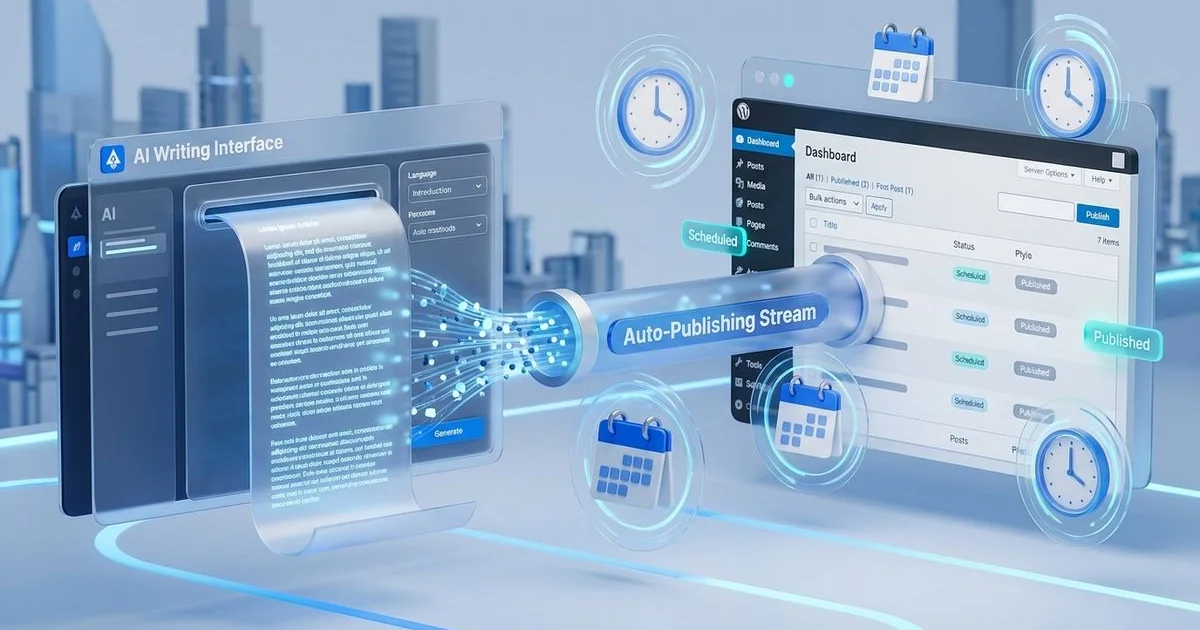
Auto-publishing eliminates this bottleneck entirely. Once configured, articles generated by this AI-powered SEO writer can flow directly into your WordPress site as properly formatted, SEO-optimized posts ready for publication. This guide walks through the complete setup process from installation to multi-site publishing.
Why Auto-Publishing Saves Hours Per Week
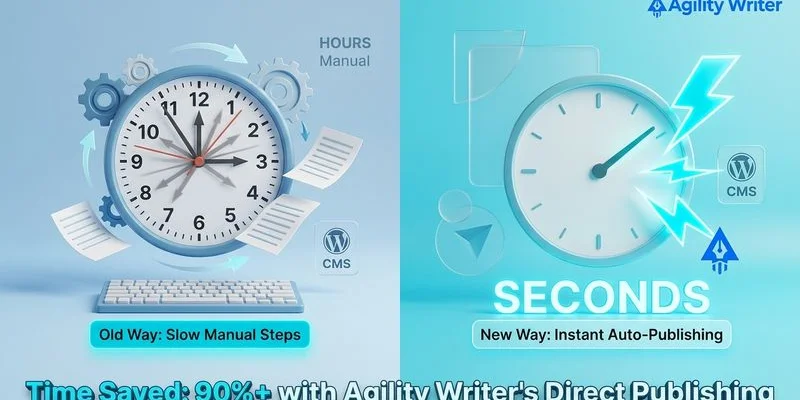
For a content team publishing ten articles per week, the manual process of copying content from an AI tool to WordPress, formatting headings, adding images, configuring SEO metadata, and scheduling publication can consume four to six hours weekly. That time adds up to over 200 hours per year spent on a purely mechanical task.
Auto-publishing reduces this to near zero. Articles arrive in WordPress with headings properly formatted, images placed, SEO metadata configured, and categories assigned. The human role shifts from data entry to quality review, which is a much better use of editorial time.
For agencies managing multiple client WordPress sites, the time savings multiply. Auto-publishing across ten client sites can reclaim an entire full-time employee’s worth of mechanical work.
Installing the Agility Writer WordPress Plugin
The integration between Agility Writer and WordPress is handled through a dedicated WordPress plugin that creates a secure connection between the two platforms.
Begin by downloading the Agility Writer WordPress plugin from your Agility Writer dashboard. Navigate to your WordPress admin panel, go to Plugins, click Add New, then Upload Plugin, and select the downloaded file. After installation, activate the plugin.
The plugin creates a new menu item in your WordPress admin sidebar where you will configure the connection settings. You will need your Agility Writer API key, which is available in your account settings. Enter this key in the plugin’s configuration page to establish the connection.
Once connected, the plugin validates the link by exchanging a test message between the platforms. A green confirmation indicator shows that auto-publishing is ready to use.
Connecting Your WordPress Site
After installing the plugin, you need to configure the connection from the Agility Writer side. In your Agility Writer dashboard, navigate to Integrations and select WordPress. Enter your WordPress site URL and the connection credentials generated by the plugin.
The connection uses WordPress REST API with token-based authentication. This ensures secure communication between the platforms without exposing your WordPress admin credentials. All data transfers are encrypted via HTTPS.
Test the connection by generating a test post from Agility Writer. The article should appear in your WordPress drafts within seconds. If the test fails, check that your WordPress site allows REST API access and that any security plugins are not blocking the connection.
For sites behind additional security layers like Cloudflare or Sucuri, you may need to whitelist Agility Writer’s server IP addresses. These are listed in the integration documentation.
Configuring SEO Plugin Settings
Agility Writer’s auto-publishing supports the three major WordPress SEO plugins: Yoast SEO, Rank Math, and All in One SEO. The integration automatically populates SEO metadata fields for each published article.
Yoast SEO receives the meta title, meta description, focus keyword, and OpenGraph data. The plugin maps Agility Writer’s SEO metadata directly to Yoast’s custom fields, ensuring that every auto-published article has complete SEO configuration.
Rank Math integration includes meta title, description, focus keywords, and schema markup suggestions. Rank Math’s content scoring system evaluates the AI-generated content and typically awards scores of 70 or higher when articles are generated with proper SEO optimization.
All in One SEO receives title, description, and social media metadata through its REST API fields. The integration ensures compatibility with AIOSEO’s latest version.
In your Agility Writer WordPress settings, select your active SEO plugin so the system knows which metadata format to use. Only one SEO plugin should be active on your WordPress site at any time.
Setting Up Publishing Schedules
Auto-publishing does not mean publishing everything instantly. A consistent publishing schedule looks more natural to search engines and helps manage your content pipeline.
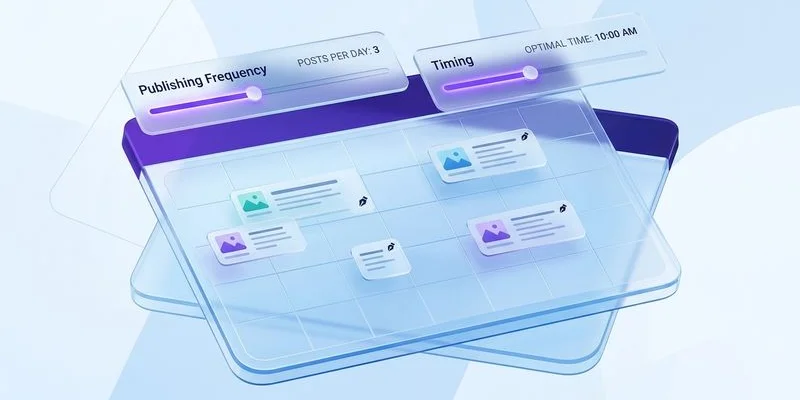
Configure your publishing schedule in Agility Writer’s WordPress integration settings. Options include immediate publication where articles go live as soon as they are generated, scheduled publication where articles are queued and published at specified intervals, and draft mode where articles are saved as drafts for human review before publication.
For most sites, a combination works best. Set pillar content and high-priority articles to draft mode for human review. Configure supporting cluster content for scheduled publication at a consistent cadence, such as one article per day at 9 AM in your target timezone.
The scheduling system respects your WordPress timezone settings and distributes posts evenly across your defined publication windows.
Multi-Site Publishing for Agencies
Agencies managing content for multiple WordPress sites can configure multiple connections from a single Agility Writer account. Each connection maps to a specific WordPress site with its own publishing settings, SEO plugin configuration, and scheduling rules.
When generating content in bulk, you can assign articles to specific sites during the generation process. This allows an agency to run a single bulk generation session and distribute the resulting articles across multiple client sites automatically.
Each site connection maintains its own authentication tokens and settings. Articles published to one site have no connection to articles published to another, maintaining complete client separation.
For agencies using Agility Writer’s bulk generation feature, the multi-site workflow enables producing an entire month’s content for all clients in a single session, then distributing and scheduling it across their respective WordPress sites.
Quality Checks Before Auto-Publish
Even with auto-publishing, quality control remains essential. Configure your workflow to include review steps that catch potential issues before content goes live.
Set high-stakes content types like pillar articles, money pages, and client-facing content to publish as drafts. This creates a review queue in WordPress where editors can verify accuracy, brand alignment, and conversion elements before publication.
For supporting content and blog posts, consider a spot-check approach. Auto-publish directly but review a random sample of published articles weekly. If quality issues are detected, you can adjust your Agility Writer generation settings, such as enabling Gsmart Optimizer passes or refining your writing style configurations.
Use WordPress’s built-in revision system to track changes if editors modify auto-published content. This creates an audit trail and helps identify recurring patterns that could be addressed at the generation stage rather than during post-publication editing.
Troubleshooting Common Integration Issues
Connection timeouts usually result from server-side restrictions. Ensure your WordPress hosting allows incoming REST API requests and that request timeout limits are set to at least 30 seconds.
Formatting inconsistencies can occur if your WordPress theme uses custom content filters. Check your theme’s content rendering pipeline and ensure it properly handles standard HTML formatting.
Image handling issues may arise if your WordPress media library has upload restrictions. Agility Writer sends images as standard formats, but some hosting providers limit upload sizes. Verify your PHP upload limits accommodate the images in your generated content.
SEO metadata not populating typically indicates a mismatch between the selected SEO plugin in Agility Writer settings and the active plugin on WordPress. Verify both match and that the SEO plugin is the latest version.
For additional integration options, explore connecting Agility Writer with WordPress through Zapier automation for more complex multi-step workflows. Visit the pricing page to find a plan that includes WordPress auto-publishing and other integration features.