Refine AI-Generated Content With Smart Editing Tools
Polish AI-generated content with AI-powered suggestions for tone, readability, and SEO.
What Smart Editor Includes
Polish and Perfect Your Content With AI-Powered Editing
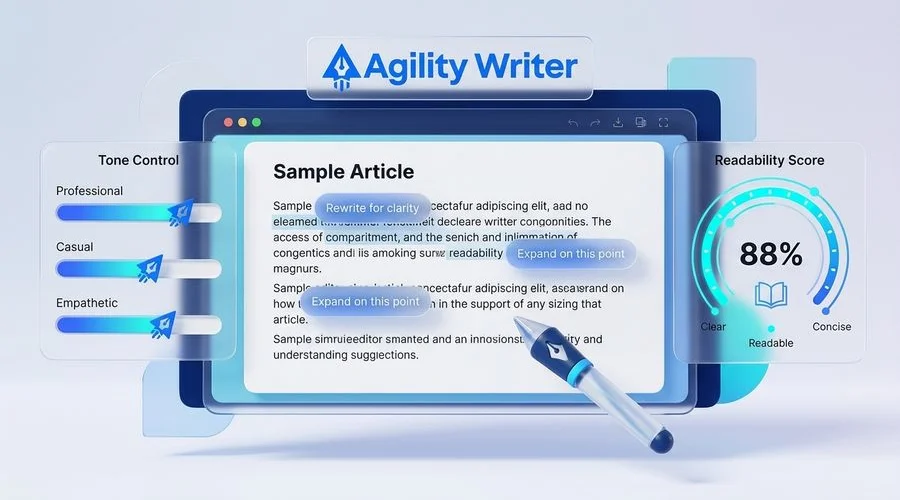
Generating an article is only half the workflow. The Smart Editor in Agility Writer, a full-featured AI SEO writer, gives you a powerful editing environment where AI-assisted tools help you refine tone, expand thin sections, add structured data, and insert internal links. Every piece of content can be polished to meet your exact standards before publishing.
Tone and Readability Controls
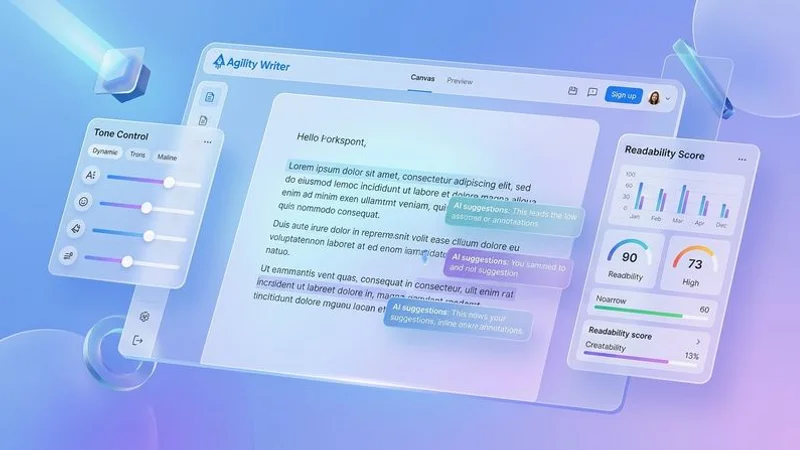
Different audiences expect different writing styles. A technical audience reading about software development expects a different tone than consumers browsing product reviews. The Smart Editor lets you adjust the tone of generated content across a spectrum from formal and authoritative to casual and conversational.
Readability adjustment goes beyond simple vocabulary swaps. The editor restructures sentences, adjusts paragraph length, and modifies transitional phrases to match your target readability level. Whether you need content that scores at a sixth-grade reading level for broad audiences or more sophisticated prose for professional readers, the Smart Editor adapts the text accordingly.
Point of View Control
Content written in the wrong point of view can feel disconnected from your brand voice. The Smart Editor lets you switch between first person (“we”), second person (“you”), and third person perspectives across your entire article or within specific sections. This control is essential for maintaining consistent brand voice, especially when generating content across multiple writing modes.
For personal blogs, first person creates intimacy with readers. For informational content, second person addresses the reader directly. For news-style or research-focused content, third person maintains objectivity. The Smart Editor handles these transitions naturally, rewording sentences to fit the new perspective without awkward phrasing.
Section Expansion for Thin Content
Thin content is one of the most common reasons articles fail to rank competitively. The Smart Editor identifies sections that lack sufficient depth and offers AI-powered expansion. Select a heading or paragraph and the editor generates additional content that adds substance, examples, and detail to strengthen that section.
This feature is particularly useful after Bulk Mode runs, where some articles may need additional depth in specific areas. Rather than rewriting entire articles, you can surgically expand the sections that need it while leaving well-written portions untouched.
FAQ and HowTo Schema Insertion
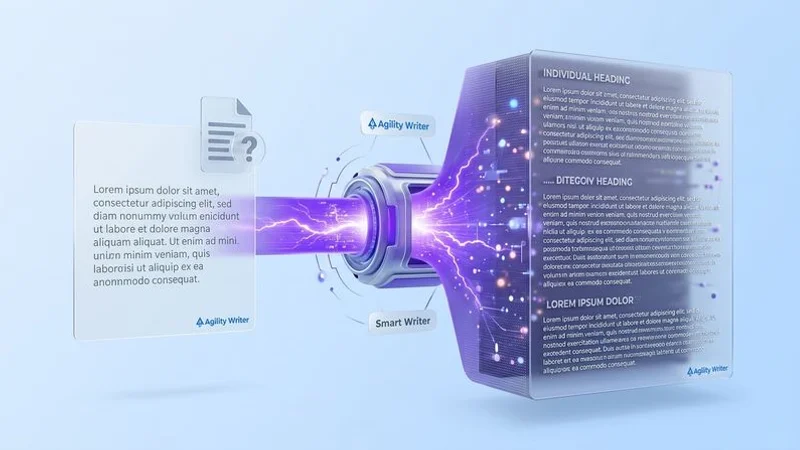
Structured data markup improves your chances of earning rich snippets in search results. The Smart Editor makes adding FAQ schema and HowTo schema as simple as selecting content and clicking a button. The editor wraps your existing Q&A content in proper JSON-LD markup and adds HowTo structured data to step-by-step instructions.
Rich snippets generated from FAQ schema can dramatically increase your search result real estate, pushing competitors further down the page. HowTo markup triggers visual step-by-step displays in search results, which attract higher click-through rates for instructional content.
Internal Link Suggestions
Effective internal linking requires knowing what other content exists on your site and where contextual connections make sense. The Smart Editor analyzes your article content and suggests relevant internal link placements based on your site’s existing content library.
Each suggestion includes the target page, recommended anchor text, and the contextual relevance score. You can accept suggestions individually or apply them in batch, building a robust internal linking structure that supports both user navigation and search engine crawling.
How the Smart Editor Fits Your Workflow
The Smart Editor is accessible at every stage of content production in Agility Writer:
- Post-generation: Review and refine articles immediately after 1-Click or Advanced Mode generation
- Bulk review: Process Bulk Mode articles through the editor to add final polish
- Content updates: Re-open previously generated articles to make improvements based on performance data
- GSC integration: Apply Missing Queries Helper recommendations directly within the editor
- Quality checks: Use alongside G-Smart Optimizer to implement quality improvement suggestions
Beyond Basic Editing
Unlike generic text editors that only handle formatting and spell-check, the Smart Editor understands SEO context. Every suggestion and modification is informed by the same NLP and entity analysis that powers Agility Writer’s content generation. When you expand a section, the added content includes relevant entities. When you adjust tone, keyword usage is preserved. When you insert internal links, anchor text is optimized for the target page’s keywords.
This SEO-aware editing approach ensures that refinement never accidentally degrades the optimization work done during generation. Your content gets better at every stage of the workflow without losing its search performance edge.
Start refining your content with the Smart Editor and publish articles that meet your exact quality standards.
Try Smart Editor With a $1 Trial
Get 5 credits to test every feature. No commitment required - credits roll over if you subscribe.
Questions About Smart Editor
Start Using Smart Editor Today
Join 5,000+ SEO professionals. Start your $1 trial with 5 credits.
Try Us at $1